01
Bring your course materials
Embed instructor-authored textbook chapters or use trusted files as supplemental grounding sources.
StudySite brings instructor-authored textbook chapters, trusted sources, active practice, coding tools, and human-skills simulations into one coherent student experience. AI stays grounded in approved course context, and instructors decide what gets published.
Accept your instructor’s invitation and sign up with the same invited school email address. That preserves your course placement and starts your one-time 10-day student trial.
From source to student experience
StudySite keeps trusted course content, instructor decisions, learner work, and contextual assistance connected across the complete module.
Embed instructor-authored textbook chapters or use trusted files as supplemental grounding sources.
Generate objectives, instruction, practice, media, and assessment drafts—then edit, sequence, and approve them.
Students read, respond, code, take notes, and ask for contextual help without losing their place.
Use mastery evidence, section reporting, source-grounded test banks, and LMS-ready exports.
Learning Modules
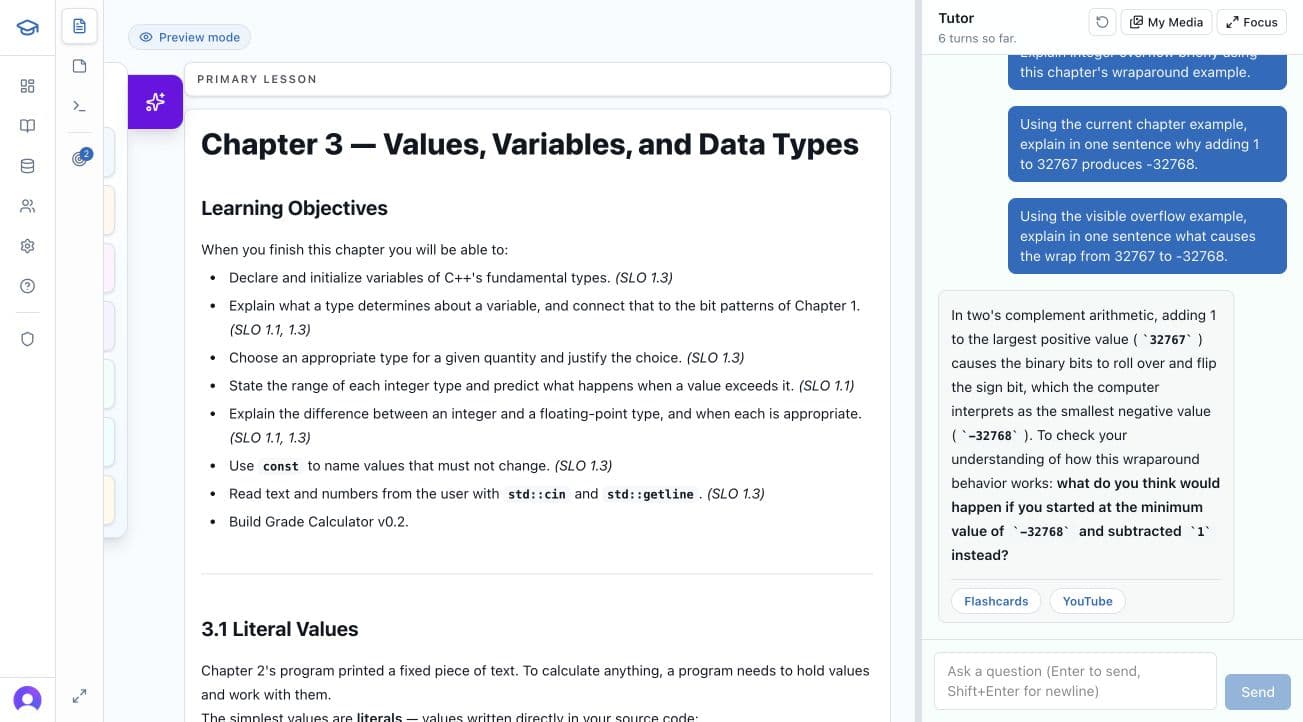
Present instructor-authored textbook chapters directly inside StudySite, complete with their images and supporting files, or use course sources to ground supplemental instruction. The AI analyzes what the source can support before recommending learning artifacts.
When a textbook chapter is embedded, it remains the primary lesson. Generated activities, media, and assessments enhance the instructor’s chapter rather than replacing it.
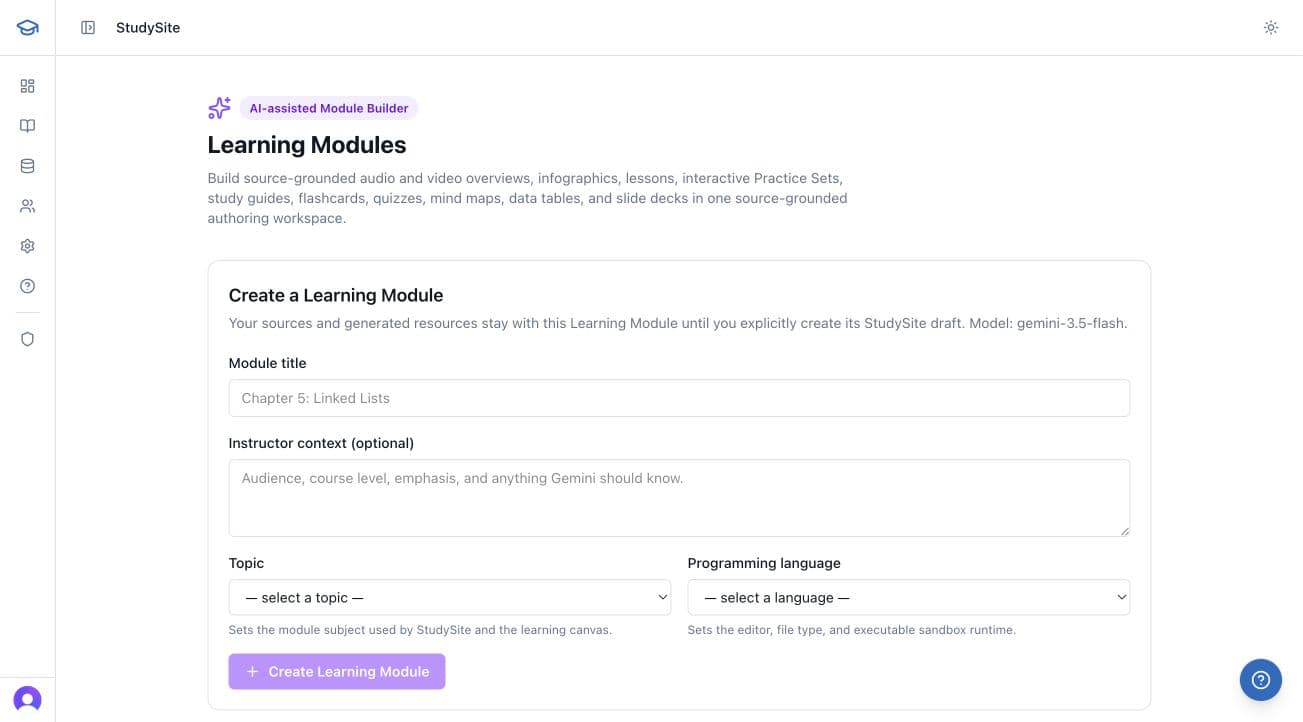
What StudySite can build
Choose the formats that fit the source and learning objective. StudySite validates generated work before it reaches instructor review.
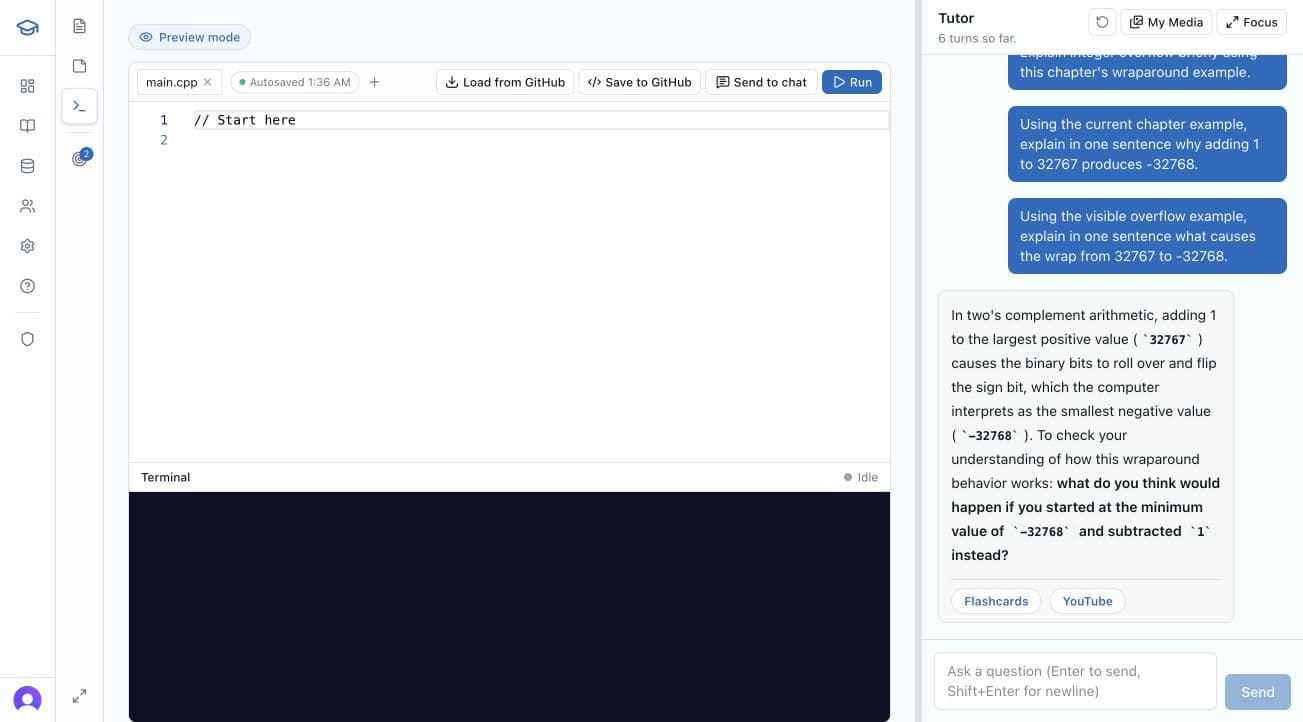
The connected learning workspace
Students work beside the lesson, objective, and assistance that matter right now. Programming tools appear where the subject calls for them; notes and tutoring support every discipline.
Programming students can write, run, and debug code beside the active lesson or activity.
Provisioned repositories, commits, assignment context, and supported autograder workflows stay connected.
A built-in rich-text scratchpad can import from or save to Microsoft OneNote and Google Docs / Drive.
The tutor sees the current source-grounded module, activity, code, terminal output, and learning objective.
Part of Simulator Studio, Soft Skills lets instructors turn a natural-language brief into a voice-enabled visual Character scenario. Define the learner’s role, goals, escalation points, safety boundaries, success criteria, and feedback—then test the exact experience before publishing it.
Scenarios can also be grounded in approved instructor or learner sources when the experience calls for authoritative course context.
Character
Concerned stakeholder
You acknowledged the impact before explaining next steps. On a retry, make the commitment more specific.
Assessment portability
Generate a source-grounded mix of multiple choice, multiple select, true/false, fill-in-the-blank, short answer, essay, numeric, ordering, and matching questions. Review and approve individual questions before export.
AI Teacher controls
Tune the tutor for an entire section or a specific module. Add custom instructor directions while keeping the current source, objective, activity, code, and terminal context in view.
Module settings take priority, followed by section and platform defaults.
Source evidence, instructor editing, explicit approval, versioned publication, contextual tutoring, and learner evidence remain connected from authoring through reporting.
Prospective professors may preview with a verified .edu email. Current students must use their instructor’s section invitation; instructor authoring access is arranged separately.